Print a Document via the Print Dialog
To print a document, do one of the following.
- Click the Print
 button on the toolbar, or press CTRL+P.
 - On the File menu, click Print....
The Print dialog will be invoked.
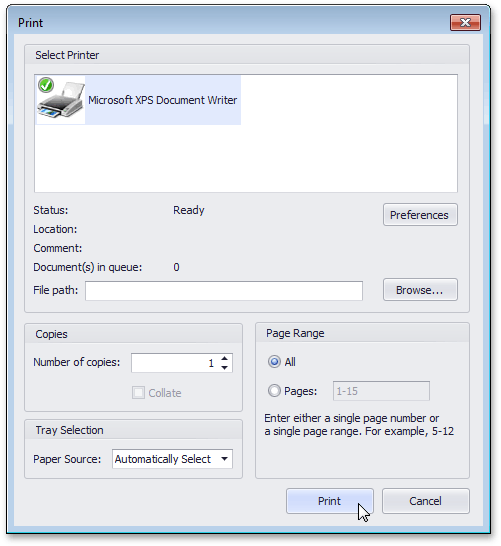
Specify the necessary settings and click Print.
To print a document without invoking the Print dialog, see the Print a Document Using Default Settings topic.
Note
If you try to print a document whose margins are outside of the printable area, you'll see a warning message. Click Yes to print the document anyway, if you are sure that your printer supports the specified page margins.