Insert a Logo into Printed Documents
To insert a logo into a document's header or footer, first invoke the Header and Footer dialog.
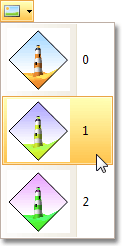
Then, focus an appropriate text box, depending on the required alignment, and click the Image  button.
Select the image from the dropdown list.
Click OK to save changes and close the dialog.
Note
If the Image button is disabled, then logo insertion is not supported by your software vendor.